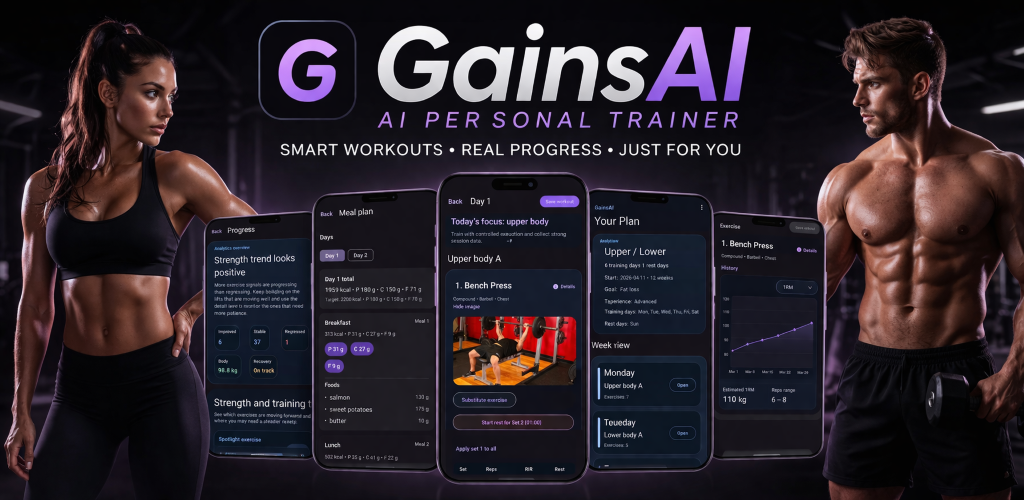
GainsAI Free
Start with a personalised first plan, log workouts, and use the first five GainsAI Coach questions.
- First AI-assisted training plan
- Workout logging and training history
- Five free GainsAI Coach questions
Training & progress
Personal training platform
Plan a training block, log the sets you actually complete, and read where your training is going.
Programs, workout logging, progress analysis, check-ins, meal planning and backup in one Android app. The point is to connect what you planned with what you did, so the next suggestion has something to stand on.
At a glance
The loop
Features
The app reads the training you logged and puts recommendations next to it, instead of only drawing charts.
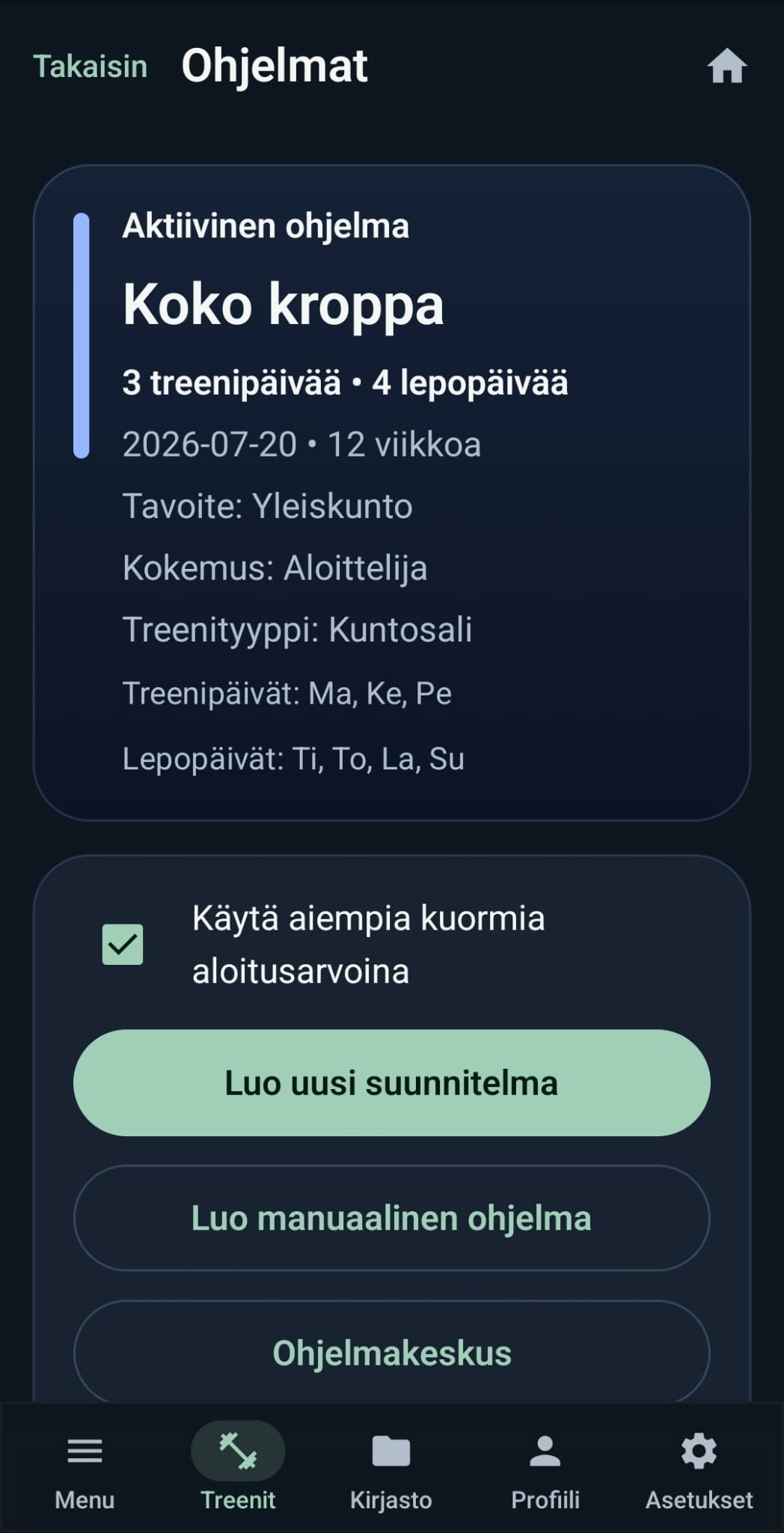
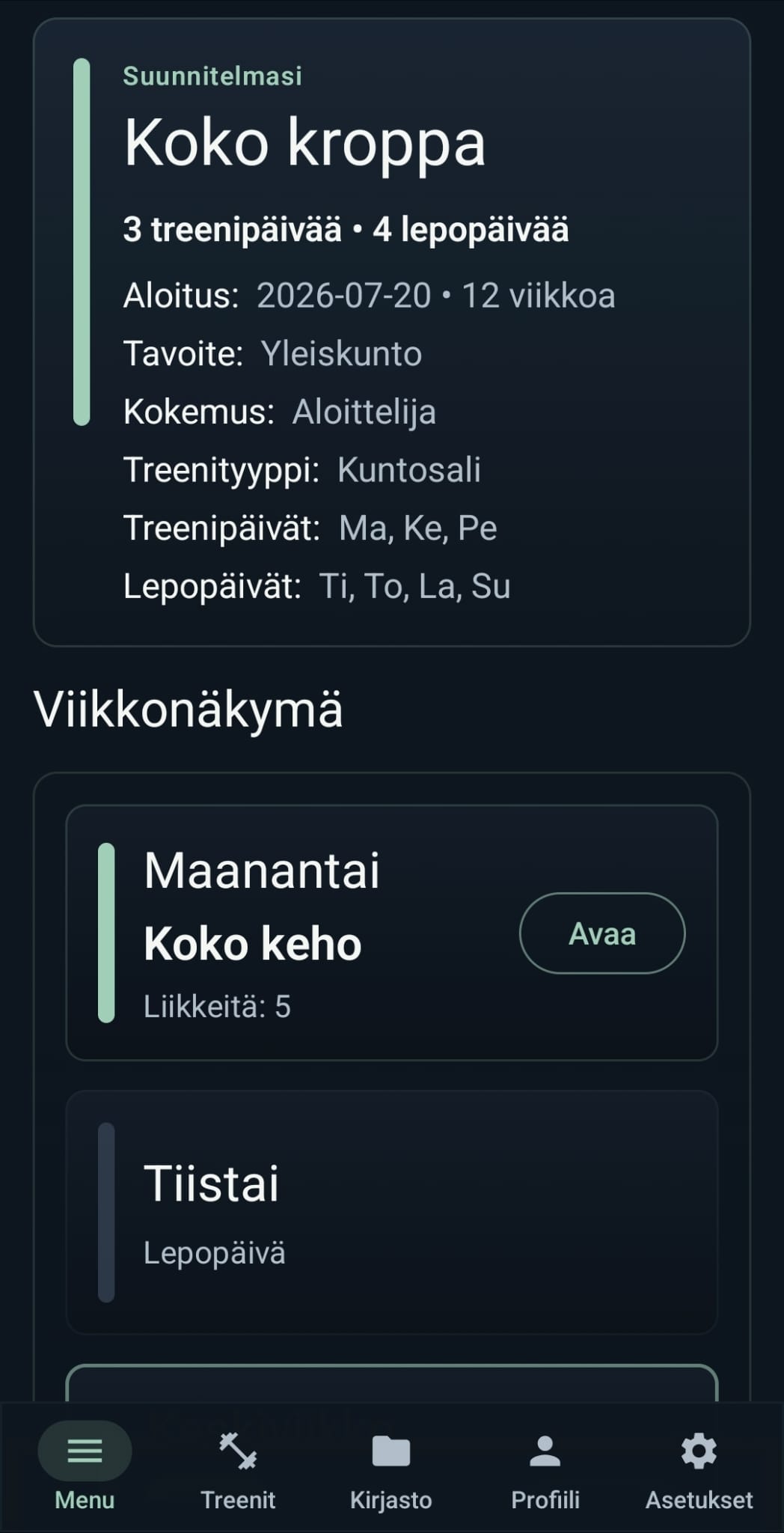
Build a first plan around your profile and training preferences. Keep programs in a library and go back to the one that fits the current block.
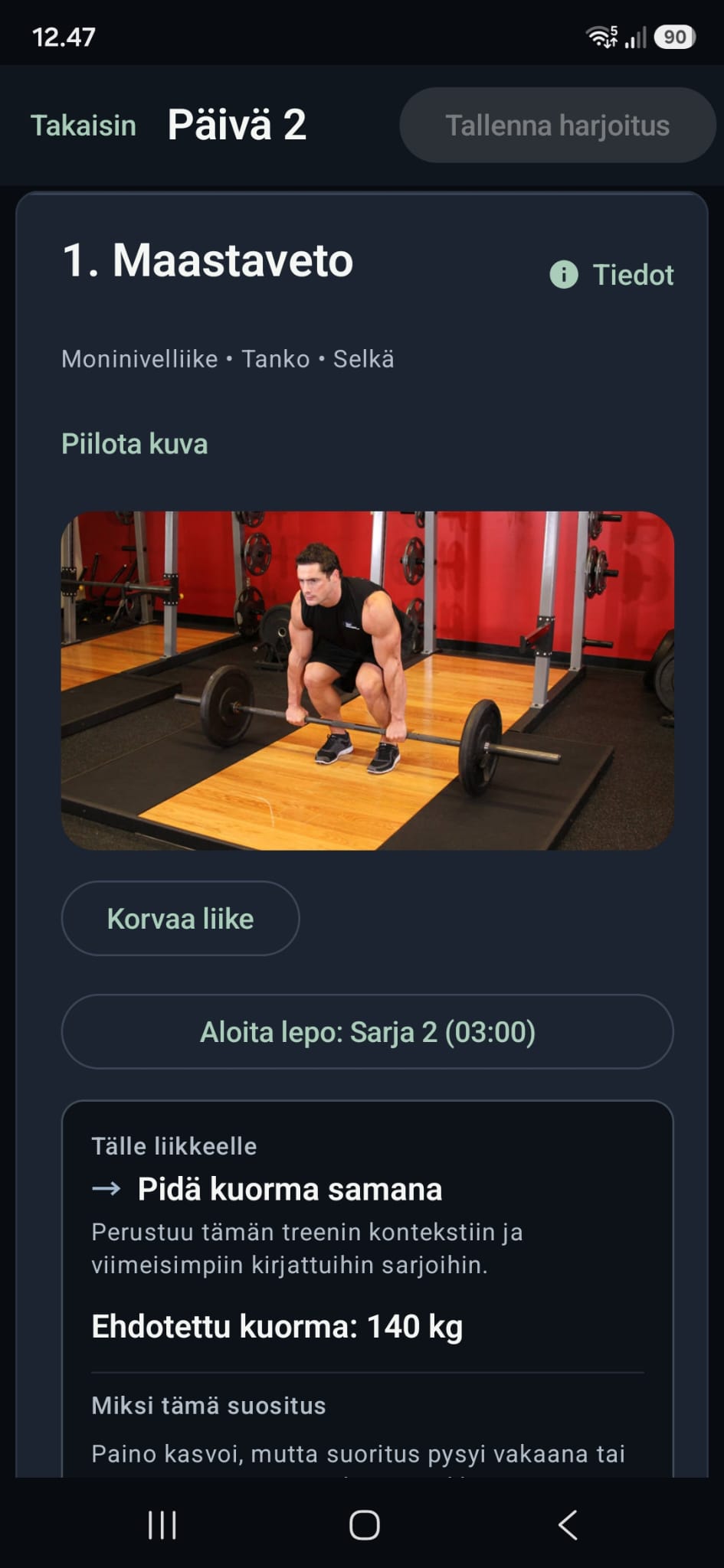
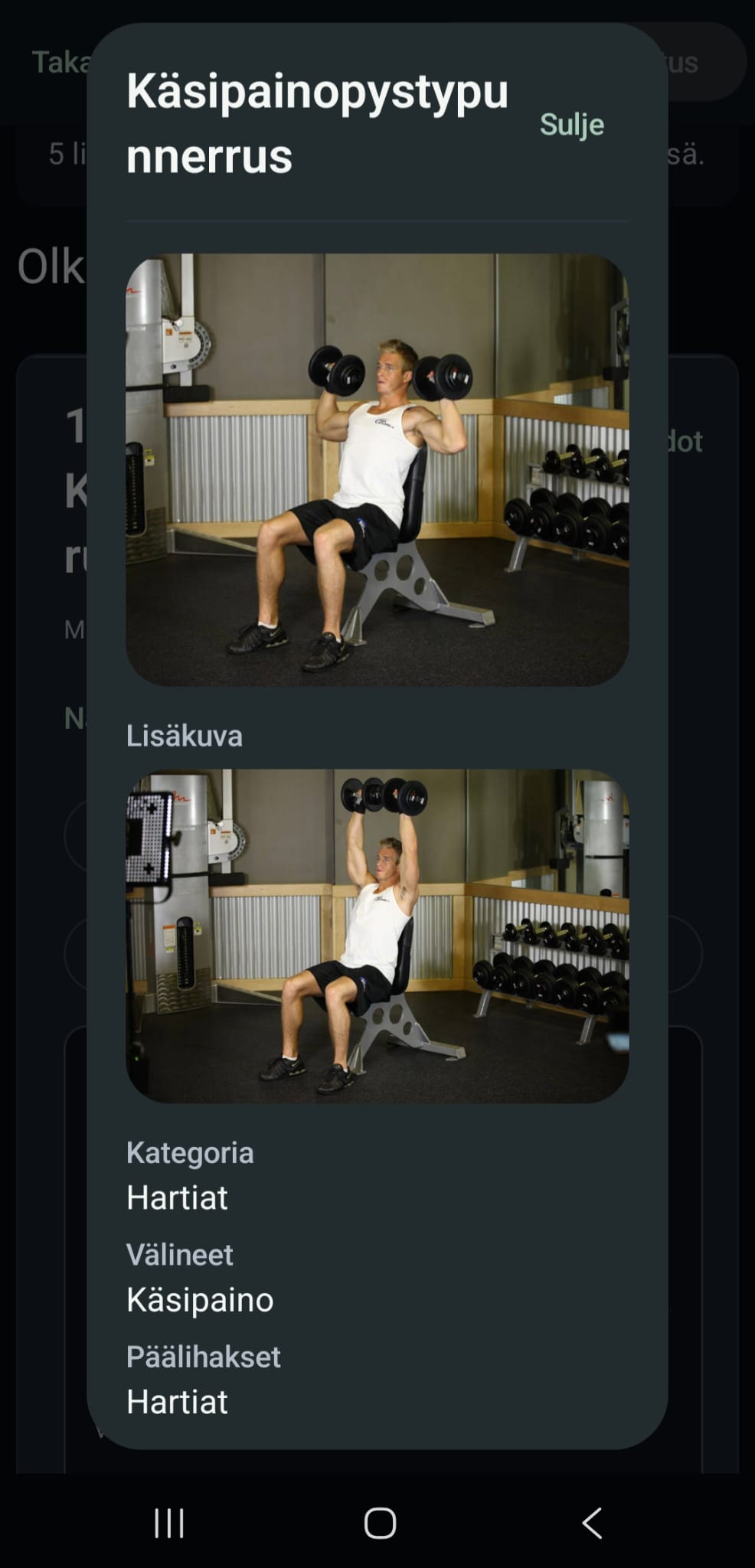
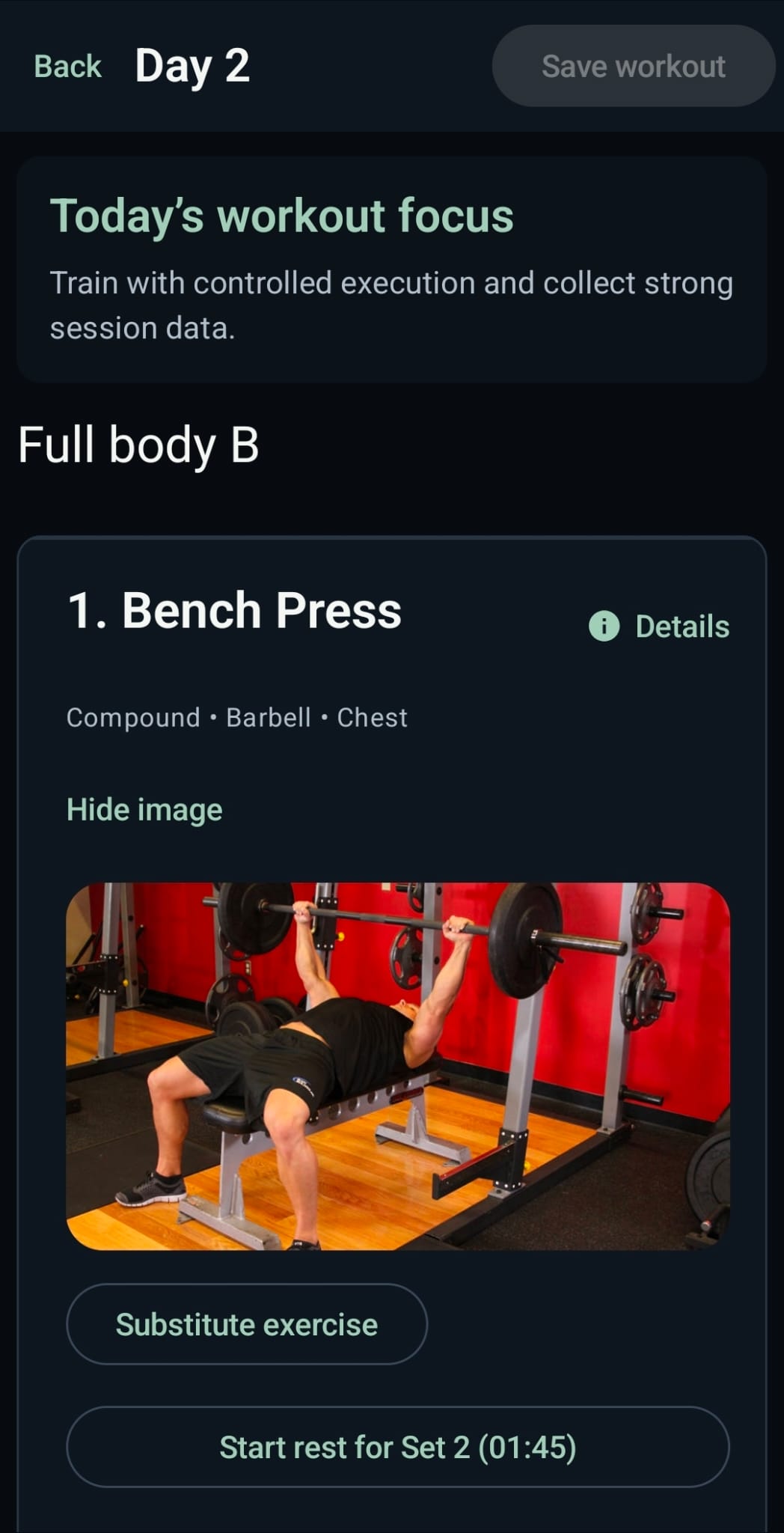
Record exercises, sets, reps and loads during the session. Workout history turns completed sessions into a record you can actually use later.
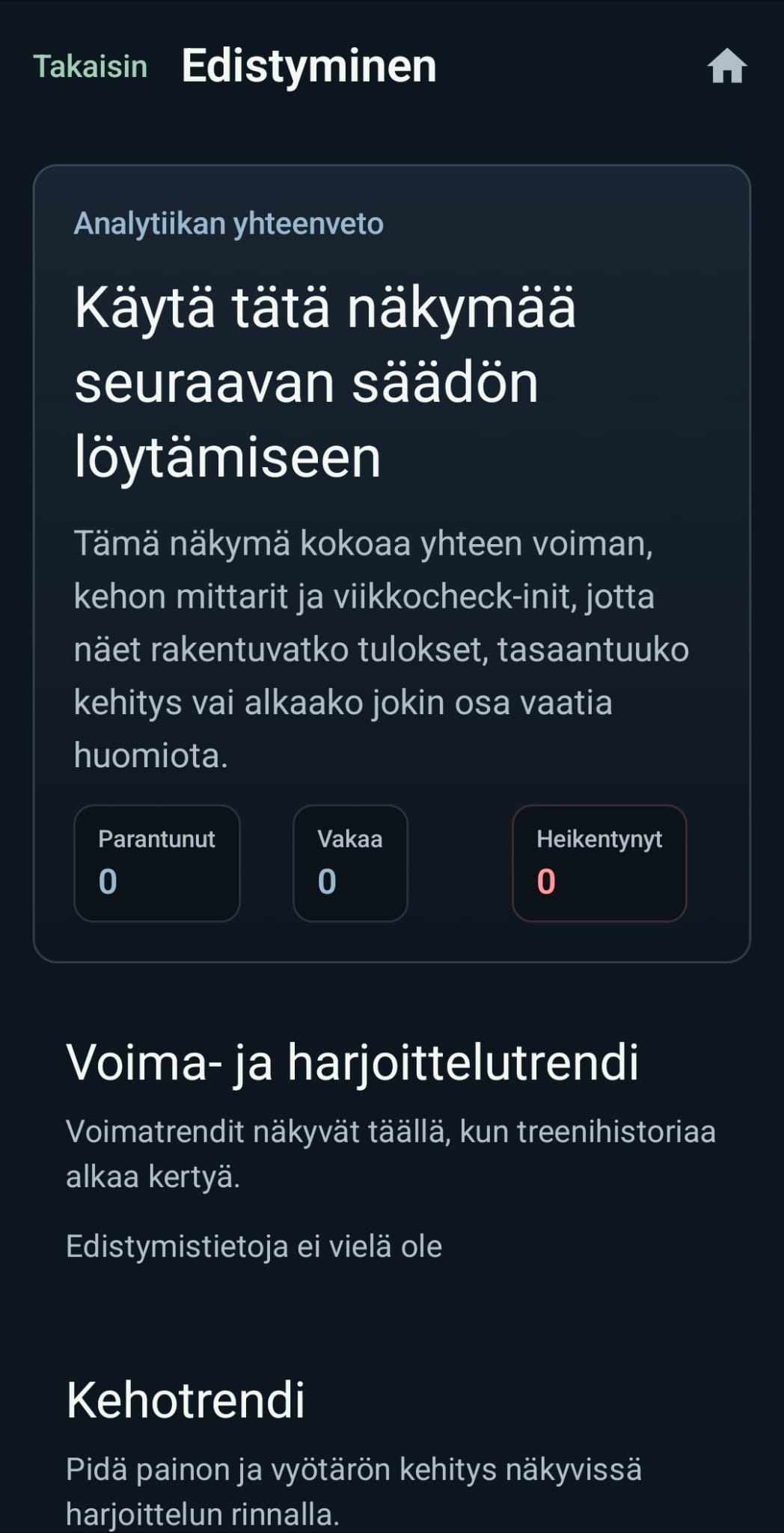
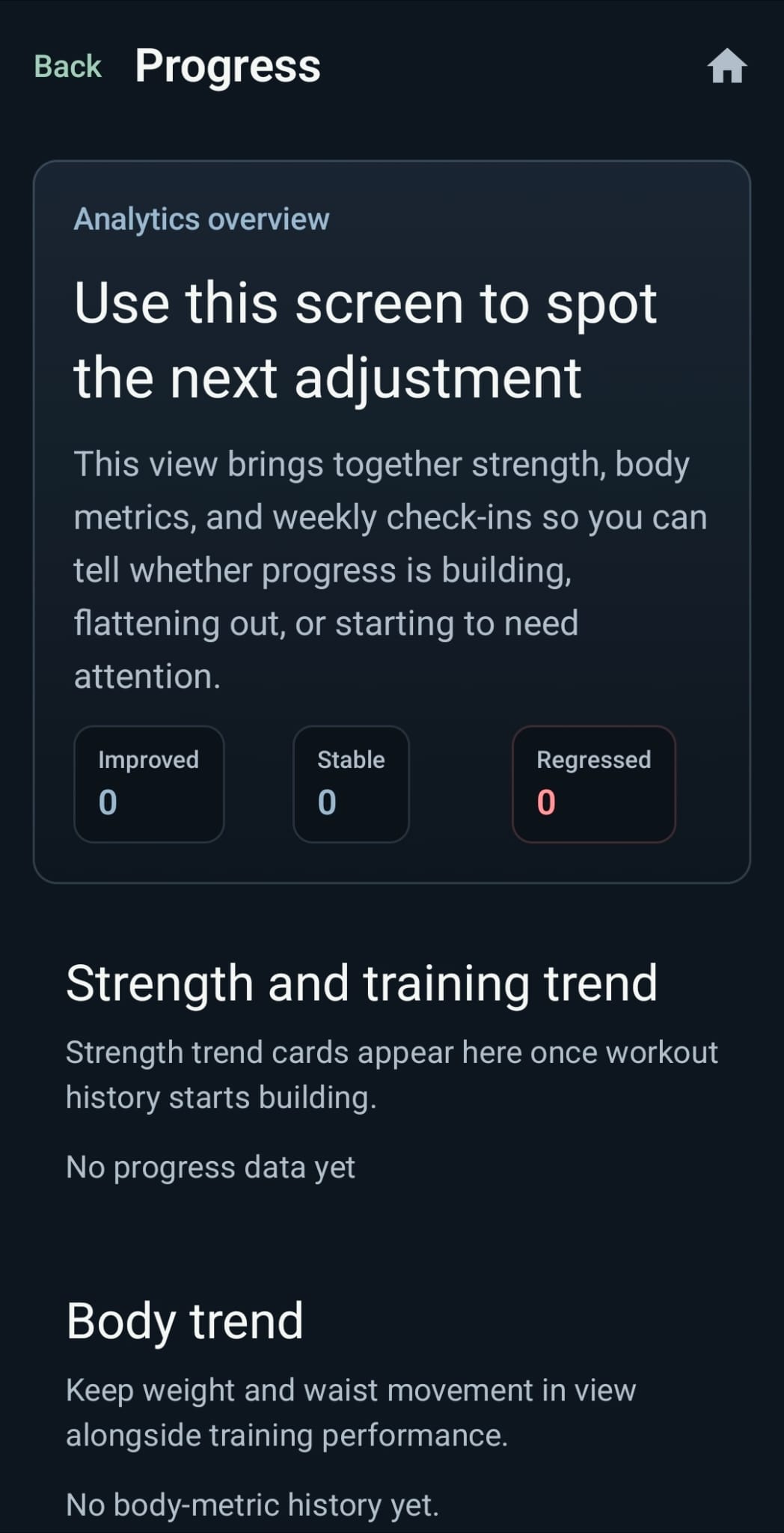
Exercise signals, estimated 1RM trends, body metrics and weekly check-ins read together. The app can point at consistency, recovery or training priorities that need attention.
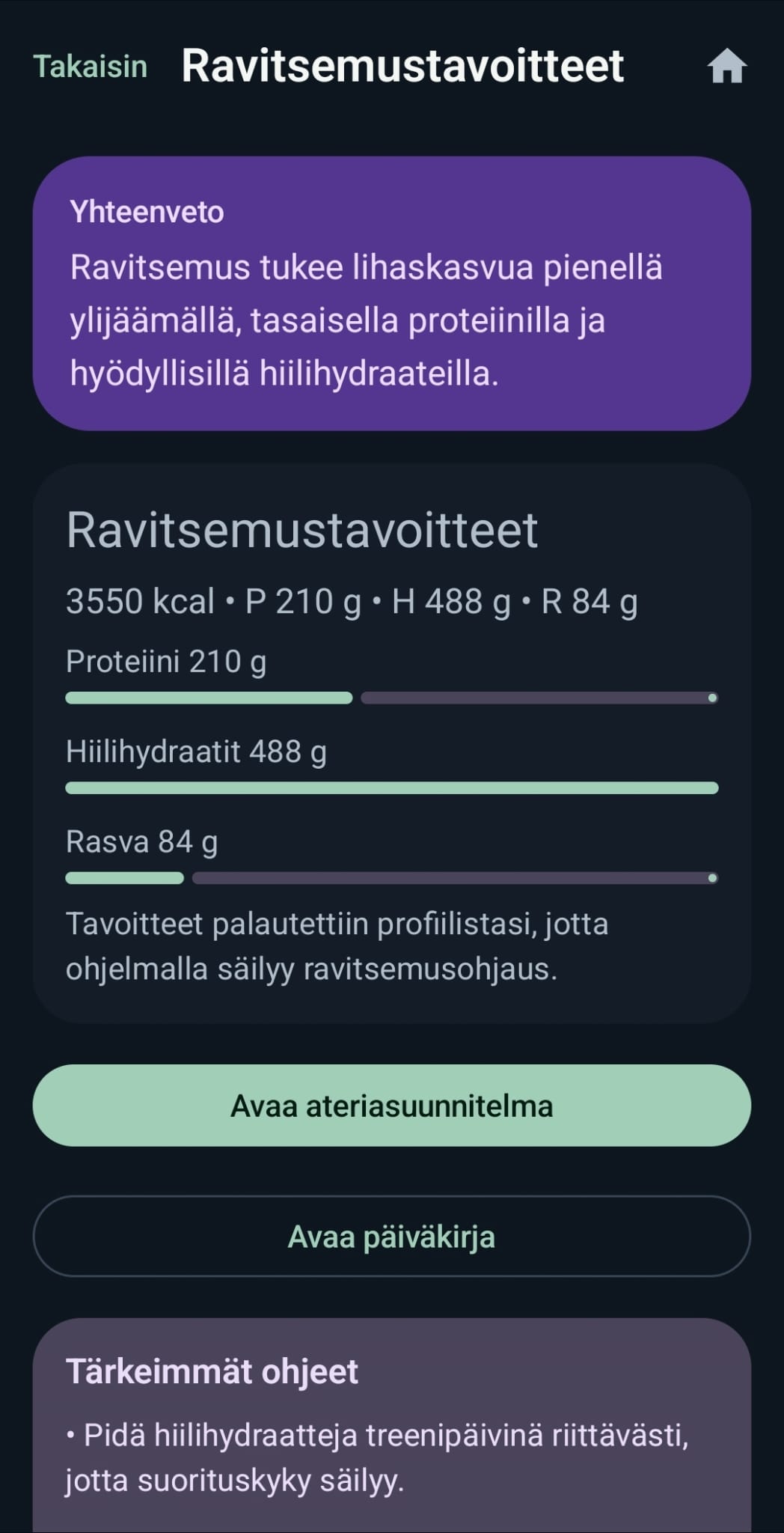
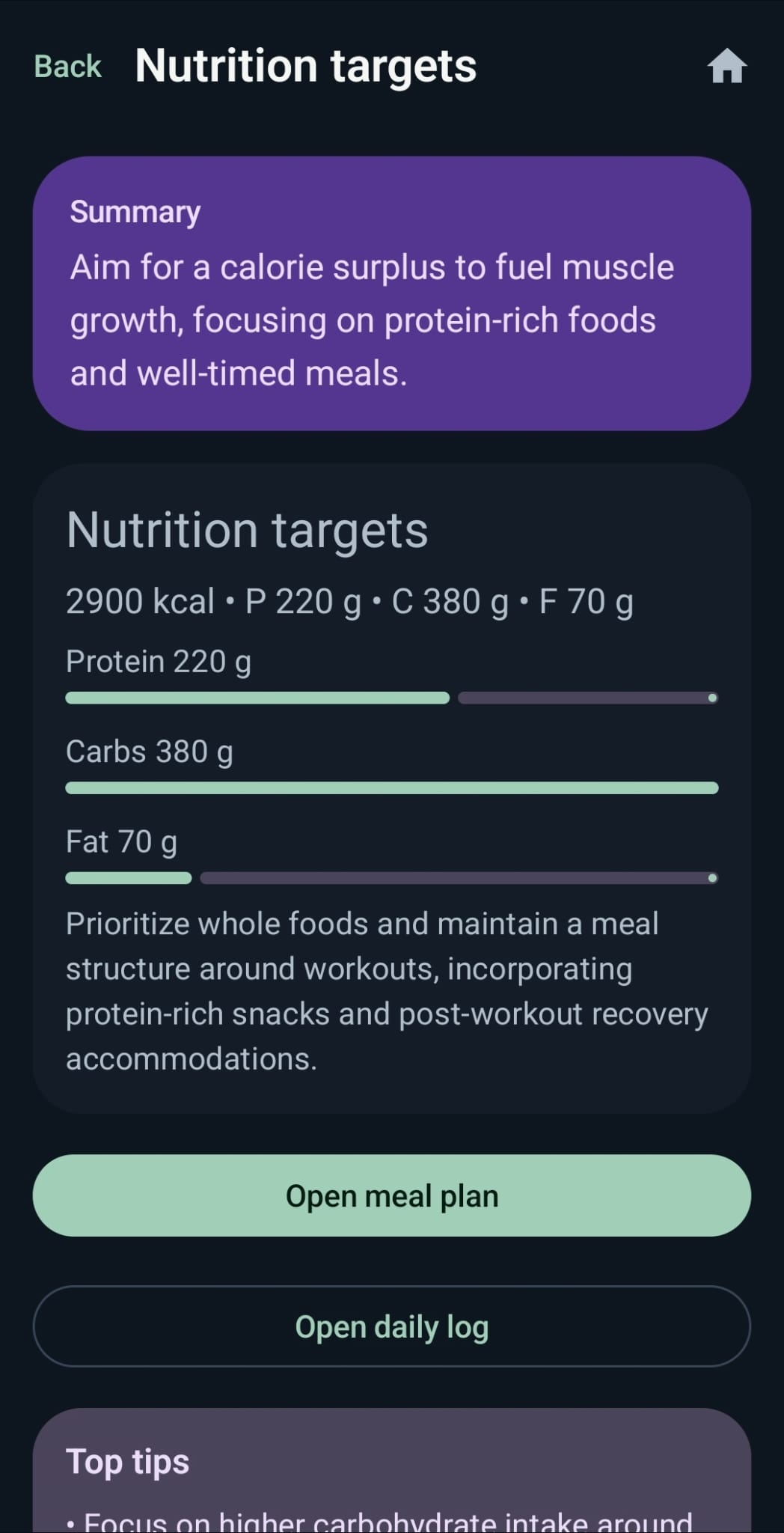
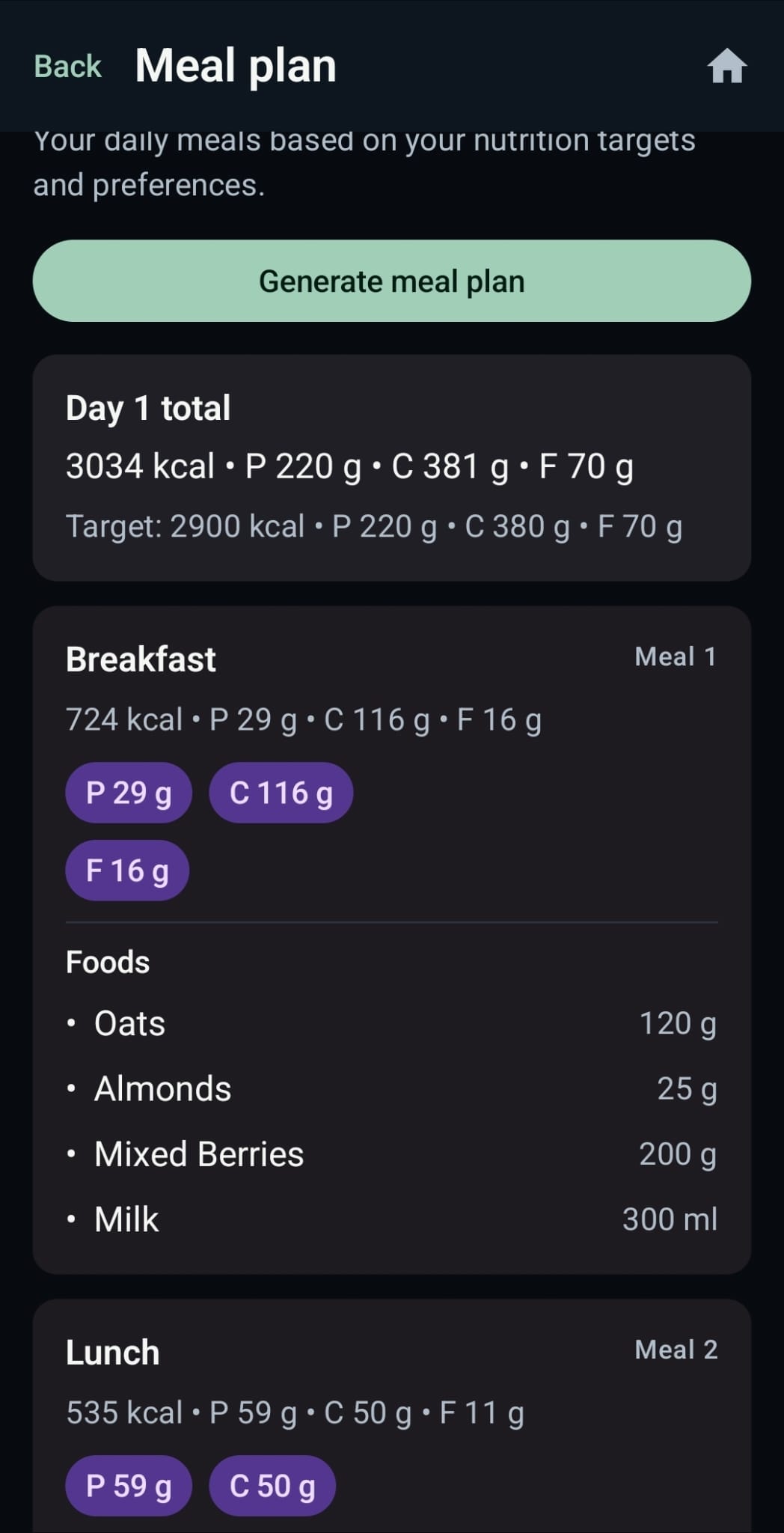
Multi-day meal plans, weekly check-ins and body metrics sit alongside the training data when those tools fit your routine.
Screenshots
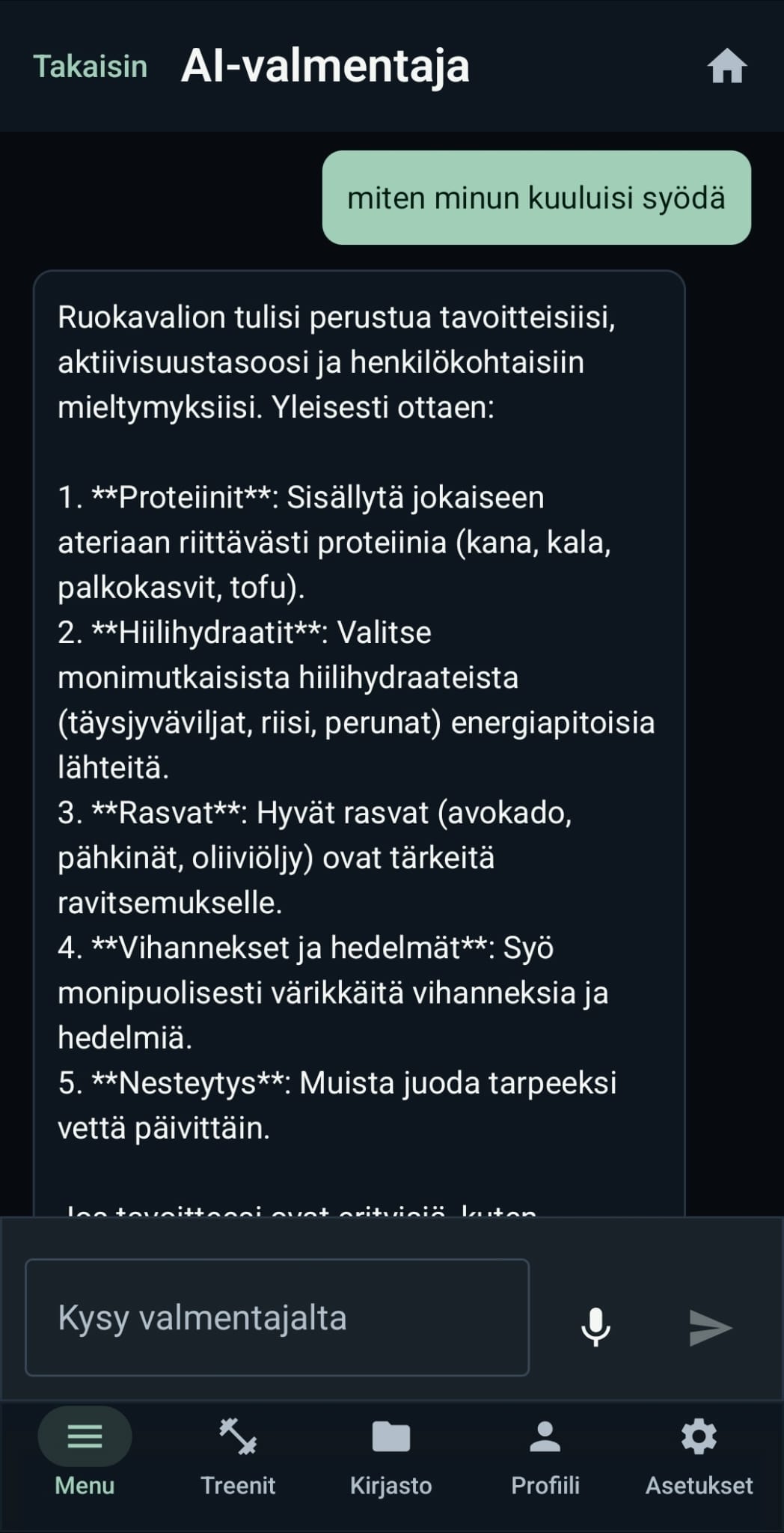
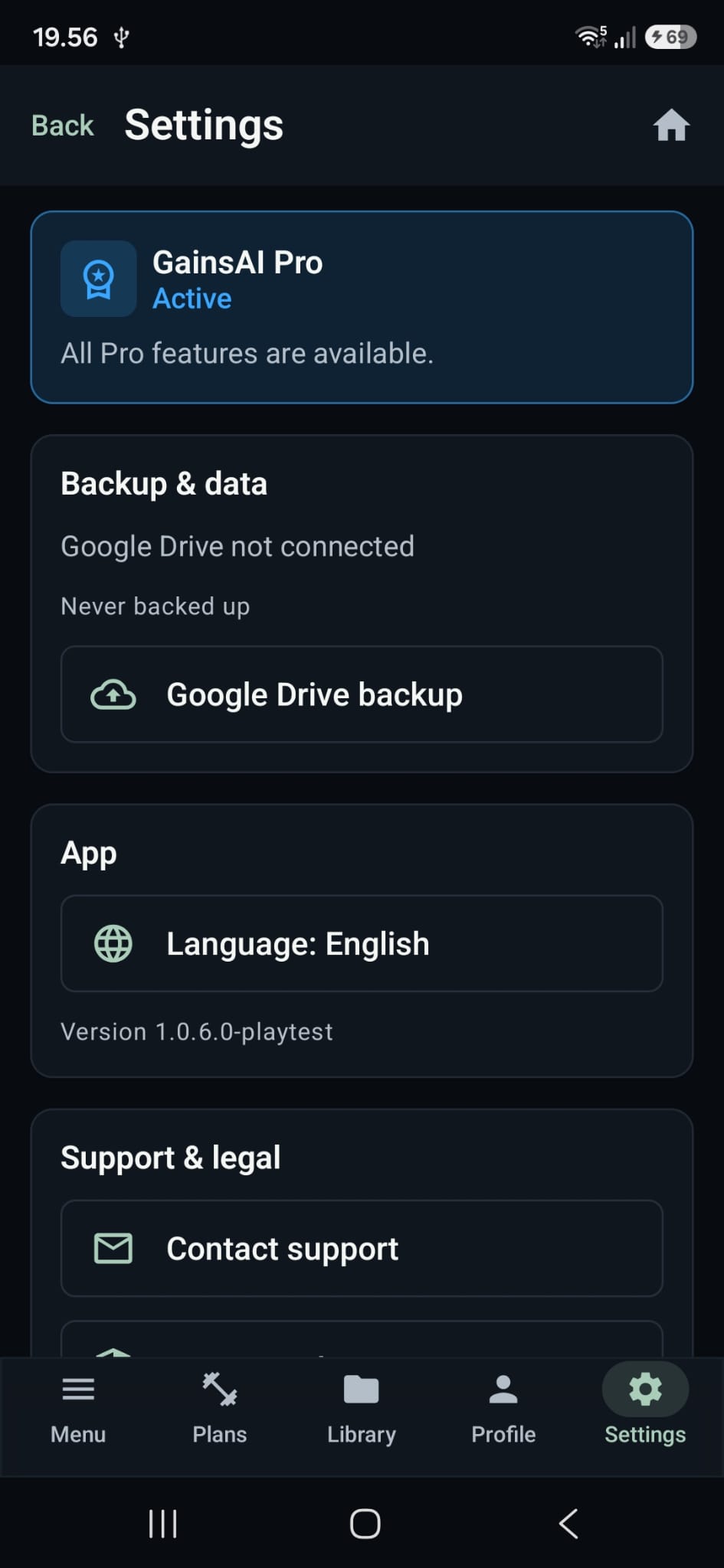
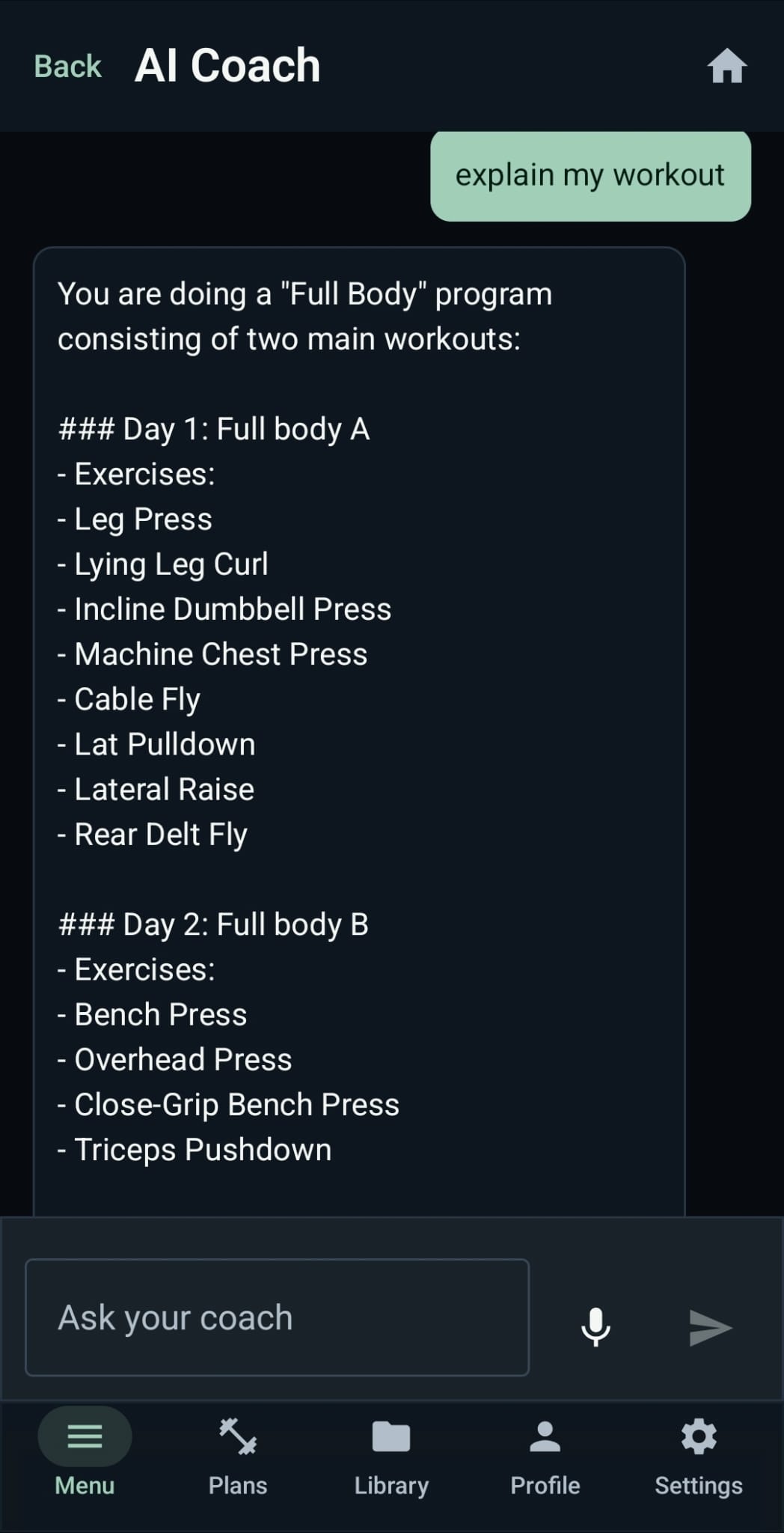
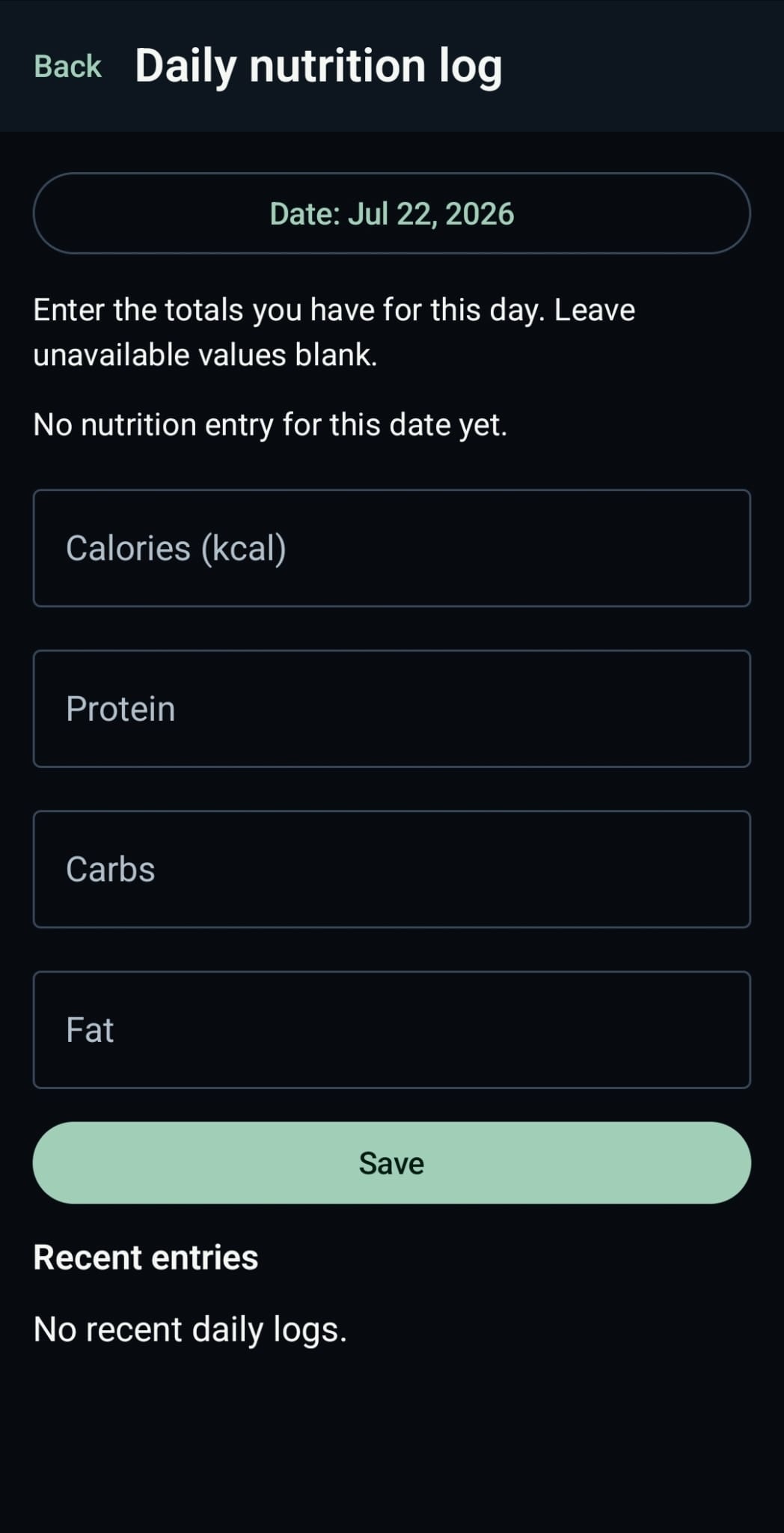
Current app screens in the language you selected. Swipe or scroll the strip sideways.
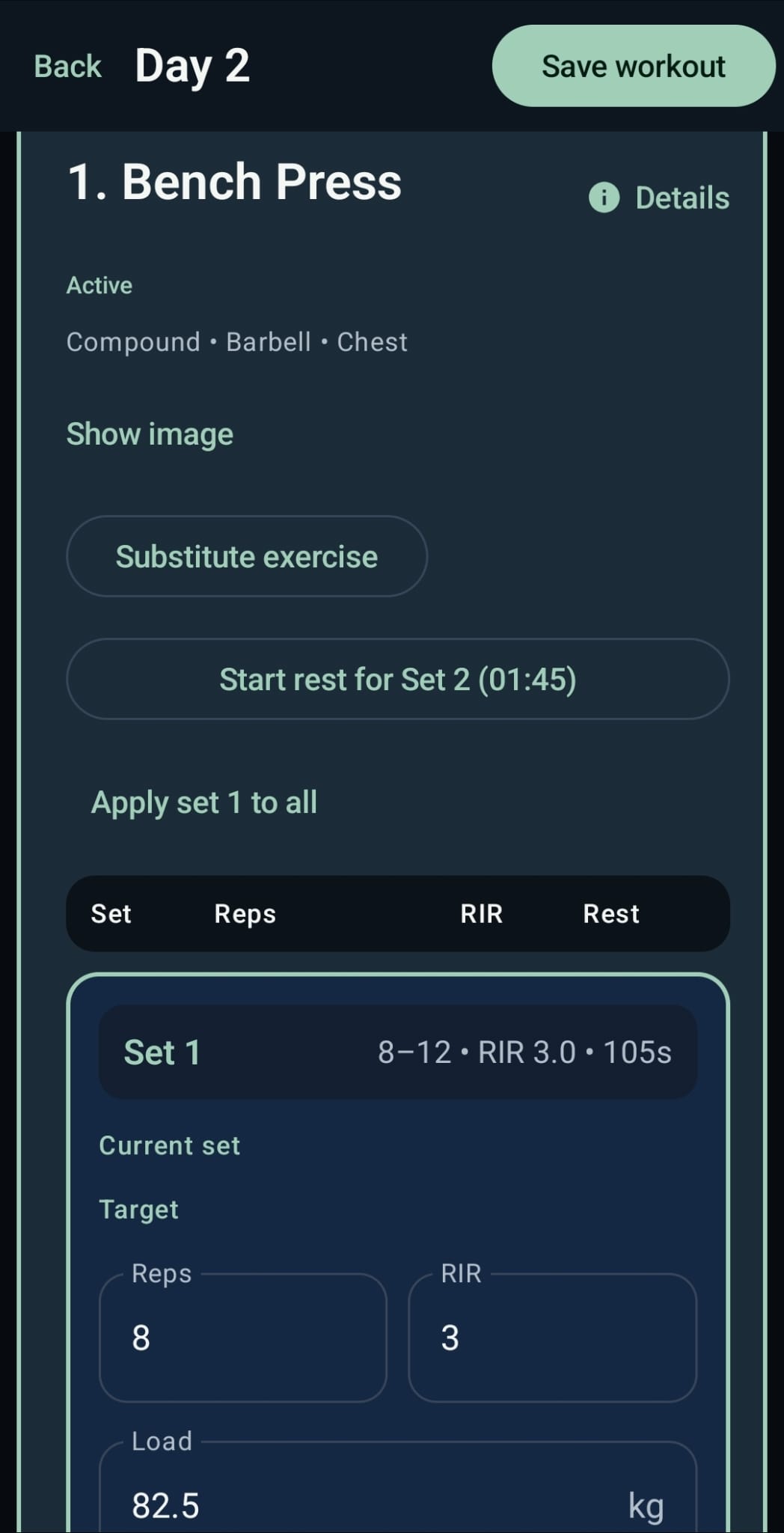
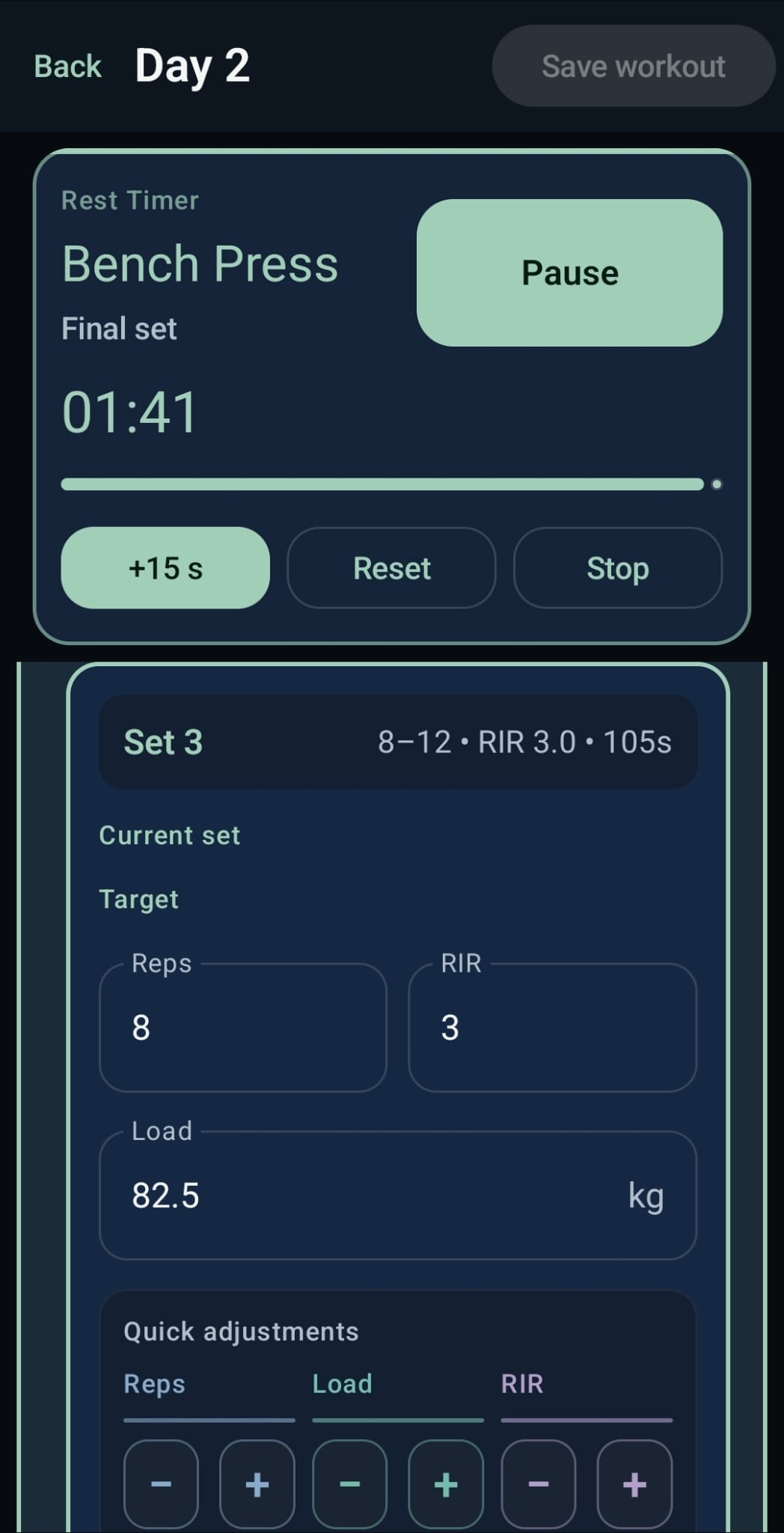
How it works
Your training profile and preferences start a program that gives the sessions a structure.
Do the session and capture what happened, from the working sets to the exercises you swapped.
Progress analysis, check-ins and Coach guidance help you pick a sensible next focus.
With Pro, connect Google Drive for backup and restore under a Google account you authorise separately.
Coach
Coach uses the app's own backend, your current training context and deterministic coaching logic to explain program, progress and training-priority signals.
It is built to help you understand possible next actions. It does not diagnose, treat or replace a doctor, physiotherapist, dietitian, personal trainer or other healthcare professional.
Recommendations can draw attention to exercise progress, training consistency, recovery check-ins and body-trend context. They are suggestions to assess, not promises of a result.
Training decisions stay yours. Use your own judgement and seek qualified professional advice when your circumstances call for it.
GainsAI Pro
Pro opens additional tools. The purchase stays in Google Play and the entitlement decision is verified by the GainsAI backend.
Start with a personalised first plan, log workouts, and use the first five GainsAI Coach questions.
For more programs, deeper analysis, multi-day planning and backup continuity.
Prices and availability are shown in Google Play before purchase and can vary by country or region.
Subscriptions are managed through Google Play. You can restore purchases in the app; an active Google Play subscription can also be managed in Google Play. Pro access is shown in the app as a securely checked entitlement.
Privacy
GainsAI uses authenticated backend services for account-linked features. Google sign-in, Firebase Authentication, the backend and Google Drive are used only for the functions you choose to use.
You can delete a GainsAI account from the app. The flow covers backend and local account data, can include the GainsAI Drive backup, and attempts Firebase Authentication cleanup where possible. Deleting an account does not cancel a Google Play subscription.
Pro includes Google Drive backup and restore. Drive is authorised separately, and backups are stored in Google Drive's app-specific storage area.
Before replacing an existing backup, the app can ask you to review recovery and account-mismatch information, so changing device or account is a decision you make with the facts in front of you.
FAQ
No. GainsAI is a fitness and wellness tool. It does not provide medical diagnosis, treatment, emergency assistance or professional healthcare advice.
Purchases are made through Google Play. The app sends the purchase for secure backend verification, then shows the backend-confirmed Pro entitlement. You can restore purchases and manage a Google Play subscription through the app or Google Play.
Yes. GainsAI Pro includes Google Drive backup and restore after you authorise a Google account for Drive. The Drive connection is separate from your GainsAI sign-in.
Use the in-app account deletion flow or the published deletion instructions. The app can delete account data and optionally remove the GainsAI backup from Google Drive; a subscription must be managed separately in Google Play.
Legal and support
Worth reading before you use account-linked and subscription features: privacy, support, terms and data deletion, in Finnish and English.
Programs, workout logging, progress analysis, check-ins, meal planning and backup in one Android app.